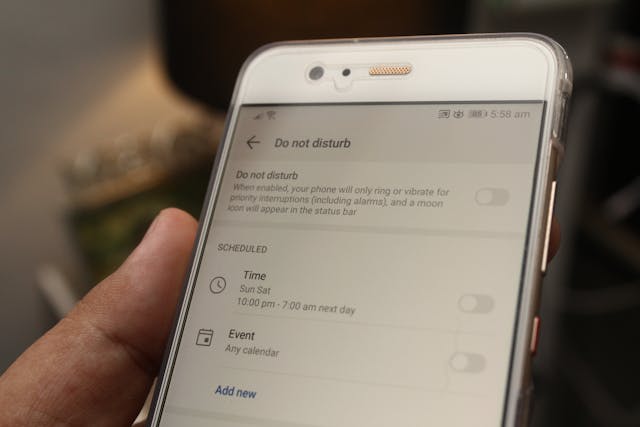


To enable push notifications for all users in the Skeeta app, follow these steps:
- Access Admin Settings: Log in to your Skeeta app admin panel with the necessary permissions.
- Locate Notification Settings: Navigate to the settings menu and find the “Push Notifications” section.
- Enable Global Notifications: Turn on the option to activate notifications for all users. You can also customize the type of notifications to be sent.
- Test the Feature: Send a test notification to ensure it’s functioning correctly for all users.
Conclusion: Setting push notifications for all users in the Skeeta app is simple through the admin panel. Customize and test to ensure seamless communication.