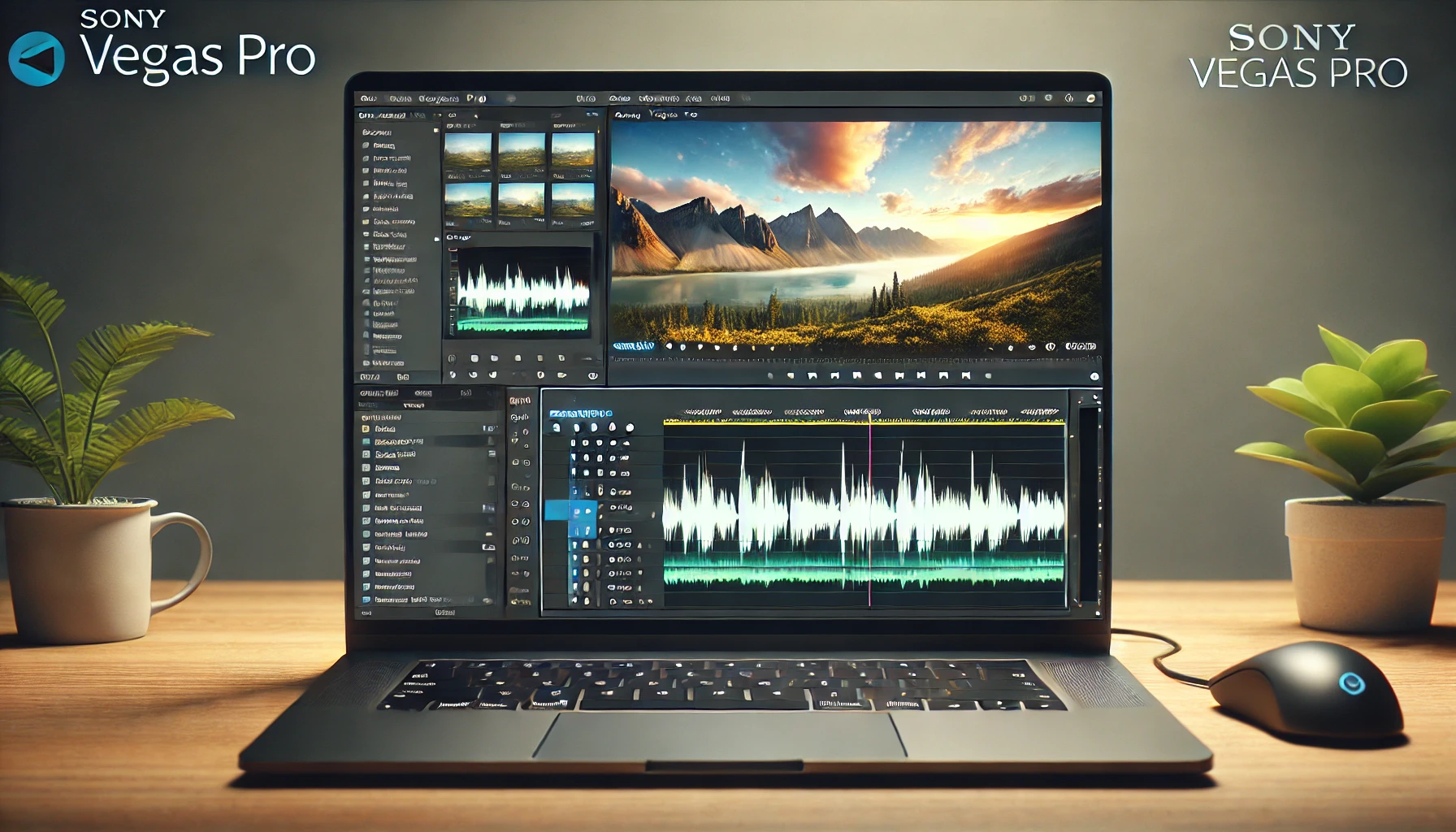


If you’re experiencing an issue where only the audio (or “smell video”) is imported into Sony Vegas, but the video footage is missing, the problem is likely related to codec incompatibility. Sony Vegas requires supported video codecs to process both the audio and video streams of a file.
Steps to Fix:
- Check the File Format: Ensure your video file is in a commonly supported format like MP4 (H.264 codec).
- Install Missing Codecs: Download a codec pack like K-Lite Codec Pack to resolve compatibility issues.
- Convert the File: Use tools like HandBrake to re-encode the video to a Vegas-compatible format.
By addressing these issues, you can ensure that Sony Vegas imports your video files correctly.